
What Explaindio actually is
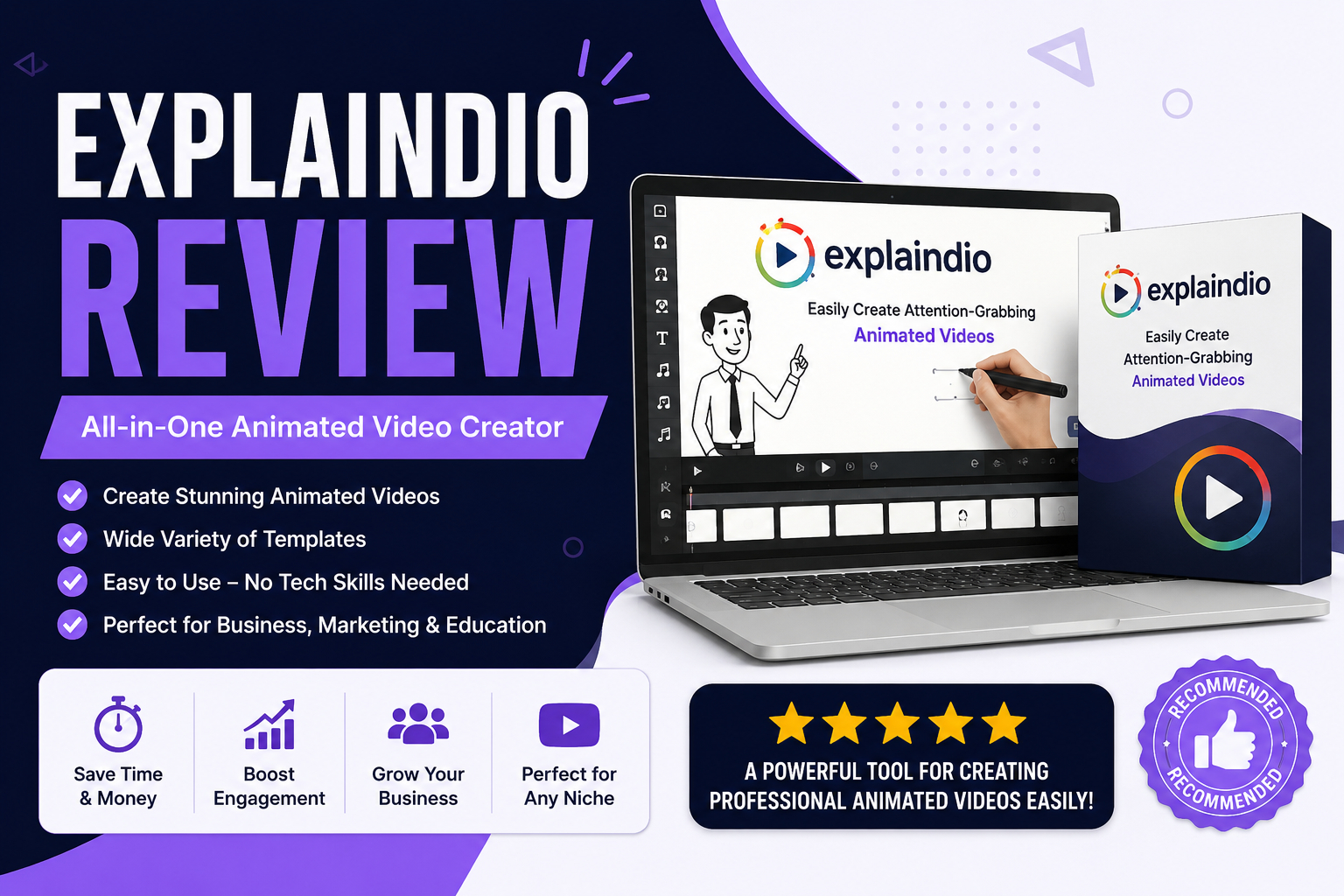
Explaindio is a desktop video creation program, originally launched in 2014 and now on its fourth major version, built by Todd Gross. Its core idea hasn't changed much across versions: instead of forcing you to choose between whiteboard-sketch software, 2D/3D animation software, and regular video editing software, Explaindio combines all three into one timeline where you can mix scene types in the same project.
It's not cloud-based — it's a downloaded application for Windows or Mac — and it's not a text-to-speech or AI-narration tool; you bring your own voiceover, music, or on-screen text and Explaindio handles the visual assembly around it.
Key features
- Whiteboard & doodle sketch videos: a large library of black-line and color doodle images (several hundred, by most version-4 breakdowns) that draw themselves on screen with a selectable hand-and-pen style, of which there are dozens of variations.
- 2D and 3D animation: multiple animations can run simultaneously in a scene, with pre-built text animations, transition effects, and the ability to build custom frame-by-frame animation.
- Motion video / live footage: import your own video clips (common formats like MP4, MOV, AVI) and combine them with animated or sketch scenes in the same timeline.
- Asset library: stock images, marketing and speech-bubble graphics, characters, background music tracks, and fonts are bundled in, with Pixabay integration for additional free images.
- Templates and slide packs: pre-made scene and slide packs are available to speed up production if you don't want to build every scene from scratch.
- Export flexibility: videos can be exported at various resolutions with no stated limit on the number of exports.
None of this requires coding or design skills — it's a drag-and-drop, timeline-based workflow, though several long-form reviews note the interface (roughly twenty buttons across the top toolbar, plus the timeline and canvas) takes some initial adjustment for complete beginners.
Pricing & licensing
Explaindio's pricing has shifted across its history — early versions were sold as a one-time payment through launch platforms, while more recent listings show it priced as an annual plan (third-party marketplace listings have shown a starting price in the roughly $59/year range for a personal license, with a commercial/resale license and multi-computer use requiring an upgrade). Because pricing tiers, launch discounts, and licensing terms have changed between versions, always confirm the current structure on the official order page rather than relying on any single review's numbers, including this one.
A refund window is offered — commonly cited as 14 days in more recent version-4 listings (older marketing pages referenced a 60-day guarantee for earlier versions) — so check the specific refund terms listed at checkout for the plan you're buying.
What real users say
Independent, feature-focused reviews are generally positive on the core product: reviewers describe the software as accessible for beginners, well-stocked with media assets, and reasonably priced compared to dedicated animation-only tools.
That said, user-submitted reviews on third-party review platforms tell a more mixed story specifically around billing and support, not the video-editing features themselves. Recurring complaints include difficulty cancelling annual subscriptions, slow or unresponsive customer support tickets, and confusion around auto-renewal settings in the account portal. This is worth taking seriously as a buying consideration — it doesn't necessarily mean the software itself is bad, but it does mean you should read the cancellation and renewal terms closely before entering payment details, and keep a record of any cancellation confirmation.
How it compares to alternatives
Explaindio is most often compared against VideoScribe, Doodly, VideoMakerFX, Vyond, and Powtoon. The general pattern across independent comparisons:
- Vs. Doodly: Doodly focuses specifically on whiteboard-style sketch videos; Explaindio covers sketch, animation, and live video in one tool, so it's broader but has a steeper initial learning curve for sketch-only use cases.
- Vs. VideoScribe: VideoScribe is often described as simpler for a single straightforward whiteboard video, while Explaindio suits users who want more scene variety or plan to produce a higher volume of different video styles.
- Vs. Vyond: Vyond leans further into polished corporate/training-style animation with deeper customization, generally at a higher price point; Explaindio is positioned as the more affordable, broader-purpose option.
- Vs. VideoMakerFX: the two are frequently bundled together in older bonus offers since they cover adjacent use cases (live-action-style promo edits vs. sketch/animation), and some historical Explaindio bundles included VideoMakerFX as an add-on.
Who it's a good fit for
Good fit if: you're a marketer, small business owner, or content creator who wants to produce explainer, training, or promotional videos in a mix of whiteboard, animated, and live-footage styles without paying for several separate tools or hiring a video editor for every project.
Think twice if: you specifically need a month-to-month, no-commitment plan (most listings describe annual billing rather than a monthly option), you want a browser-based/cloud tool instead of a desktop install, or a fast, responsive support channel is a priority for you — read the support-related reviews above before committing to an annual plan.
A few things to check before you buy
- Confirm the current price and license terms on the official order page — Explaindio has changed its pricing model across versions, and older reviews describing one-time payments no longer reflect the current annual structure in most listings.
- Read the refund window carefully (commonly 14 days on current version-4 plans) and note the exact steps required to request one before your card is charged again.
- Turn off or review auto-renewal settings in your account as soon as you sign up, given the recurring complaints about renewal and cancellation friction.
- It's a desktop install, not a web app — make sure your Windows or Mac machine meets the stated requirements before buying.