
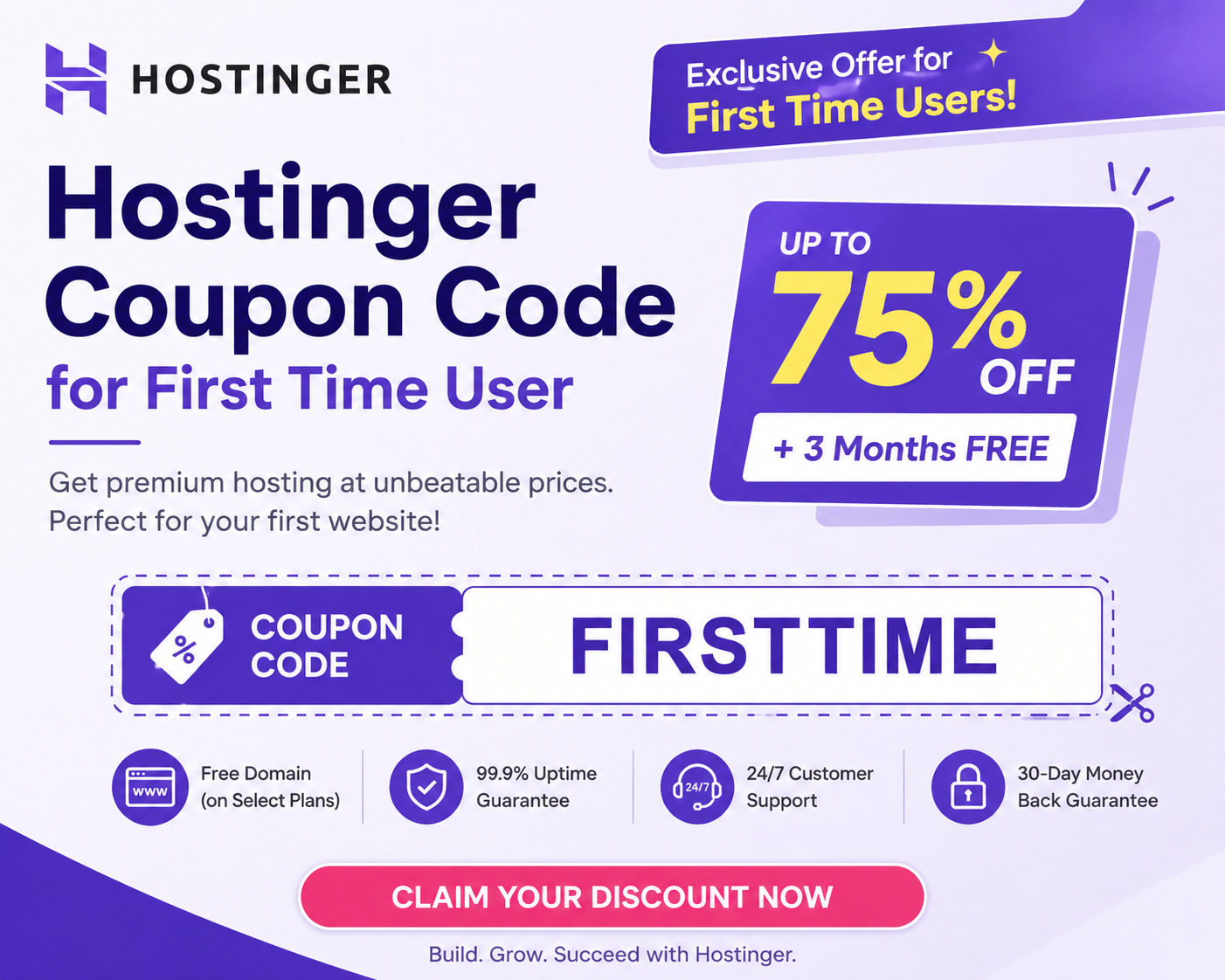
The discount that's already built in for first-time users
Here's the part most "coupon code" pages skip: Hostinger's largest discount for new customers isn't hidden behind a secret code. It's the promotional pricing shown by default when you visit their plans page — commonly in the 70-80% off range versus the listed renewal price, and it's steepest on longer billing terms (24 or 48 months) rather than monthly or annual plans.
That's normal for the hosting industry in general, not specific to Hostinger — providers advertise a low introductory rate for the first term, then renew at a higher standard rate. The "coupon code" search term persists mostly because people assume there must be a code to unlock the good price, when in most cases the discount is already reflected in the price you see.
So what are all those codes people list, then?
Search "Hostinger coupon code for first-time user" and you'll find a long list of codes from different sites — things like an extra 10% claimed on top of the base discount, student-specific codes, or VPS-only codes. A few honest notes about these:
- They're run by third-party affiliate and deal sites, not published by Hostinger as permanent, guaranteed codes. Availability and validity shift over time and by region.
- Most claim to stack an extra 10% on top of the existing promotional price, applied only to the first plan on a new account, and typically only on 12-, 24-, or 48-month terms (not monthly billing).
- Hostinger doesn't allow stacking multiple codes — if a code doesn't apply, it's often because a different automatic discount is already active, or the account has purchased a plan before.
- Codes expire or get swapped without notice. A code that worked last month may simply be dead this month, which is why so many "verified" dates you'll see attached to these codes are recent — sites re-test and re-publish them regularly.
The practical takeaway: it's worth trying a code at checkout since it costs nothing to test, but don't treat any specific code as guaranteed, and don't delay a purchase decision waiting on one particular code to "come back."
How to apply a coupon code at checkout
If you do want to try a third-party code, the process is the same regardless of which one you use:
- Choose a plan (shared, WordPress, cloud, or VPS) and select your billing term — longer terms unlock bigger built-in discounts.
- On the checkout page, look for a "Have a coupon code?" link, which reveals a code entry field.
- Enter the code and apply it. If it's valid, you'll see the price update and a confirmation message before you continue.
- Create your account and complete payment. If the code doesn't apply, the checkout will simply keep the standard promotional price — it won't block your purchase.
What you actually pay, plan by plan
Exact numbers change with ongoing promotions, but as a general shape: shared hosting plans (Premium, Business) tend to run from roughly $2-4/month on long-term billing during a promotional period, cloud hosting plans run higher, and VPS plans are priced separately by resource tier. Most annual-or-longer plans include a free domain for the first year and a free SSL certificate, which is worth factoring in since it offsets a separate cost you'd otherwise pay.
Because the exact price depends on the plan, term, and whatever promotion is live that week, the most reliable way to know what you'll actually pay is to check the live checkout total rather than relying on a percentage-off headline from any single site, including this one.
Things to know before you buy
- Renewal price is higher than the intro price. The discount applies to your first term. Read the renewal rate shown at checkout so there's no surprise later, and note that longer terms delay when you hit that renewal price.
- Discounts are typically for new accounts only. If you've already purchased a Hostinger plan on an account, most first-time-user codes and promotional rates won't apply again on that same account.
- Refunds: Hostinger publishes a money-back guarantee window on most plans — check the current terms on the order page for your specific plan, since windows can differ by product.
- One coupon per order. You generally can't combine multiple codes, so if you have more than one, try the one offering the best price rather than stacking them.
- Compare the actual checkout total, not just the advertised percentage. "Up to 90% off" headlines usually describe the best case on the longest term and a specific plan — your actual discount may be smaller depending on what you choose.
None of this is meant to talk you out of using Hostinger — it's a legitimate, widely used hosting provider. It's meant to set expectations correctly about coupon codes specifically, since that's an area where marketing headlines regularly overstate what's guaranteed.